How to Download video from YouTube Without any Tool or Software?
Many people seems video on YouTube, sometimes they want to download video. But the reason is high cost of software price they not able to afford it. In this article, I am going to tell you free tricks to download video from YouTube, follow the below steps:
Step 1: Go to YouTube and open your video which you want to download.
Step 2: Now, edit the URL from address bar and write ss before YouTube.com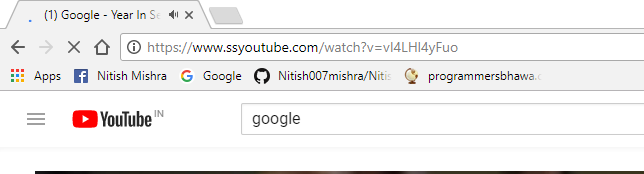
Step 3: After editing the URL click go button, you will be redirected to next page.
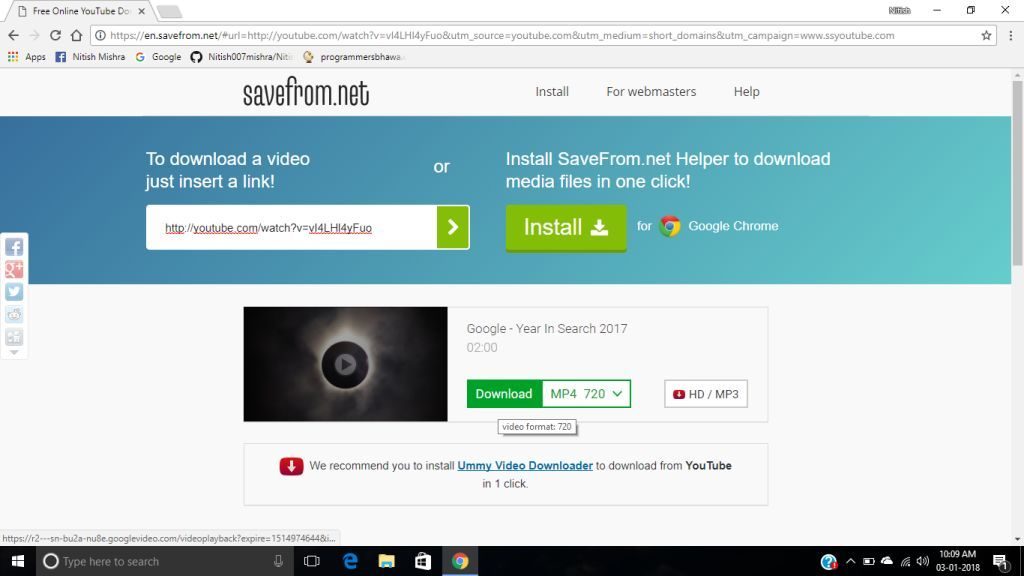
Step 4: Now choose your specific file type to download the video.
Happy Downloading!


